Risk and controls
Establish retention and disposal requirements
Define retention rules by activity, category, purpose and legal requirement, and make expiry trigger deletion, anonymisation, return or a documented extension.
A recruitment agency holding candidate data indefinitely because no one set a retention period is a finding waiting to happen. A retention rule states how long each category may be held, why, and what happens when the period ends.
This is exercised by working through the activities already in use and asking, for each category of data, what period applies and what legal requirement sets it.
The proof is that no activity in use is missing a retention rule, and that every rule states its disposal method rather than leaving expiry undefined.
- Regulation
- Articles 5(1)(e), 13, 14 and 17
- Registers
- Retention schedule · Processing activity · Legal requirement · Privacy action
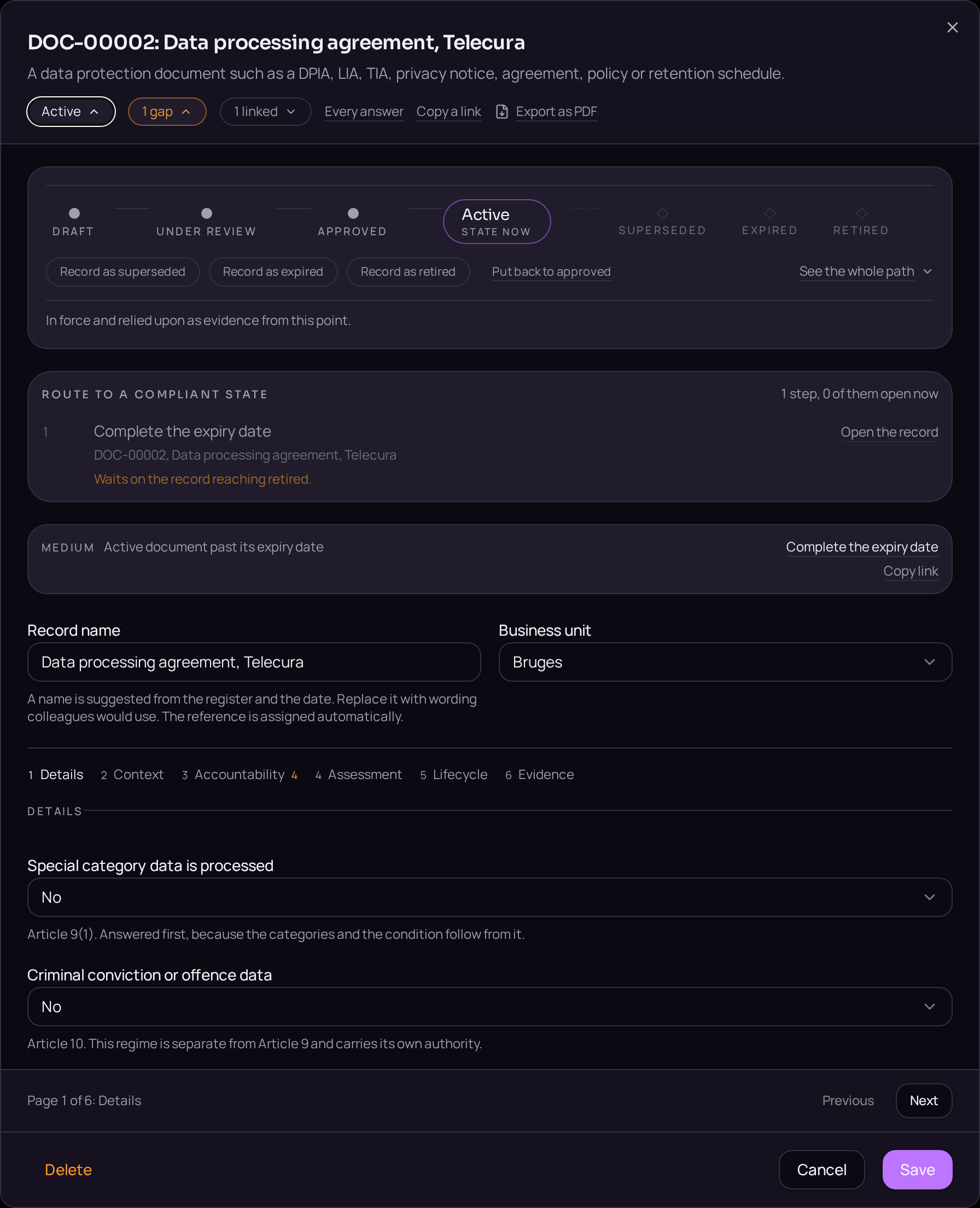
The steps
- 01Open the Retention schedule register and use the plus button beside the register title to create the rule.
- 02State the retention period and its trigger, such as end of contract or last activity, on the Details tab.
- 03Where a legal requirement sets the period, open the Linked records band and use "Link a record" to cite it.
- 04Use "Link a record" again to attach the activities the rule governs.
- 05Name the disposal method, deletion, anonymisation or return, in the field provided.
- 06Move the rule from Draft to Active on the lifecycle bar.

Accepted when
- An activity in use with no retention rule is reported as a gap.
- A rule with no disposal method is reported as a gap.
Documents that carry the evidence
- RET · Retention and disposal schedule
- Retention rules by activity, category and legal requirement, with the disposal method for each. Article 5(1)(e).
These templates are issued when the register opens, so the document exists before the record that cites it.