Steps
A processor engaged without a written agreement is a high severity gap, so the entity and the agreement are recorded together.
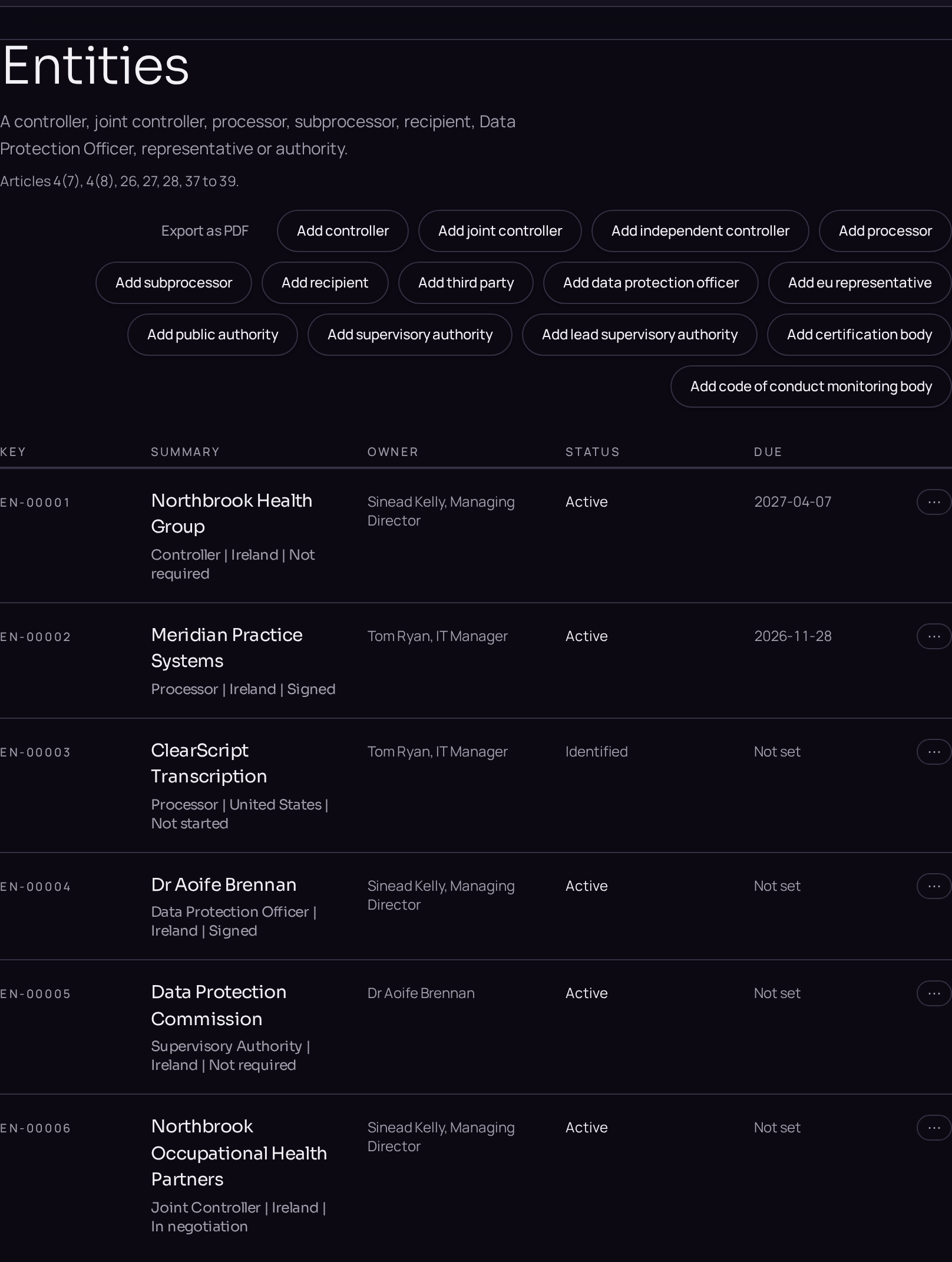
- 01Record the entityClick Entities in the left menu, press the plus button and choose Processor, or Subprocessor if it works for an existing processor. On the Details tab fill in Legal name and Country of establishment, and on Context fill in Contact details, then click Save.
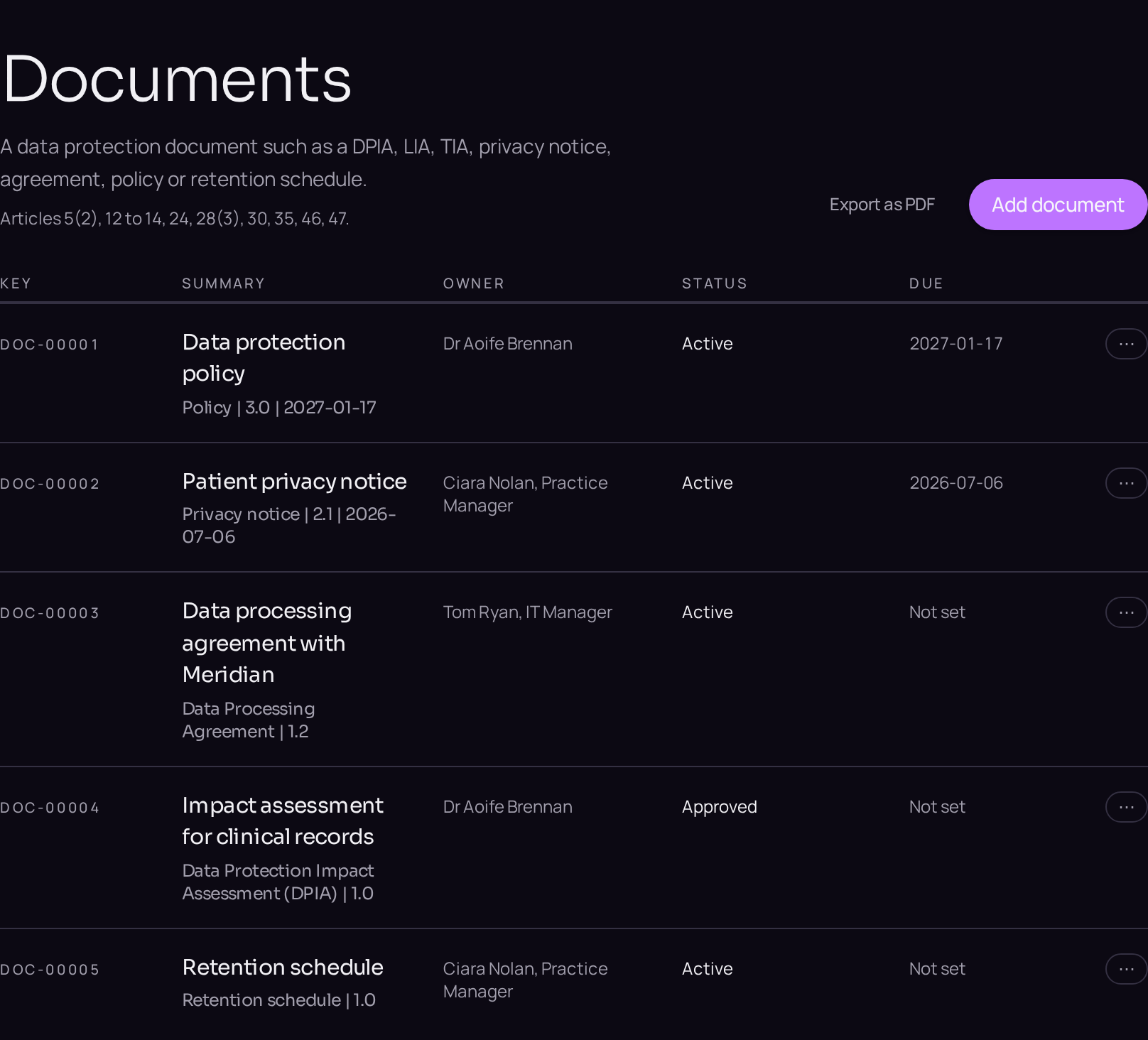
- 02Record the agreementClick Documents in the left menu, press the plus button and choose Document. Set Document type to the data processing agreement, then fill in Version, Effective date, Subprocessors permitted and Audit and inspection rights, and click Save.
- 03Link both to the activityOpen the processing activity, click the linked records panel, then click Link an existing entity and Link an existing document to attach the processor and the agreement. Prudence checks that the agreement covers the engagement.
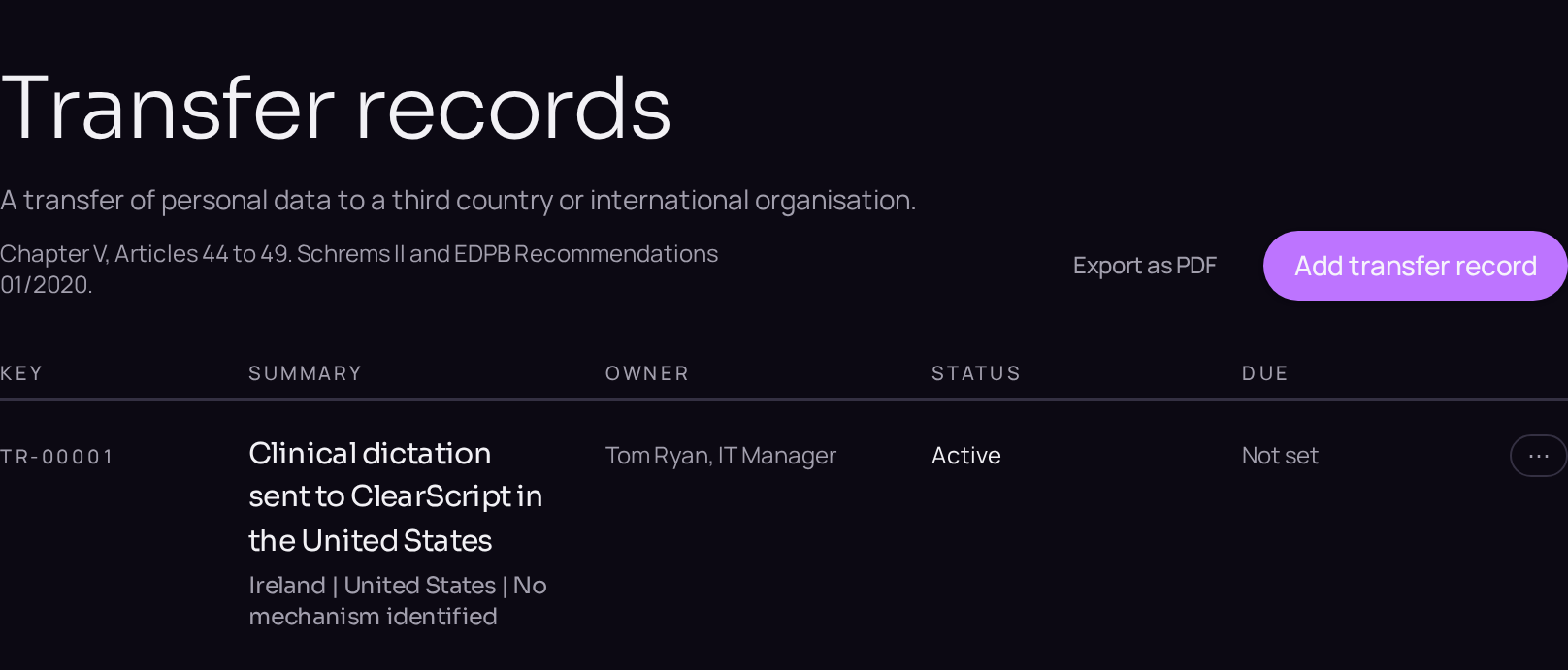
- 04Check the transfersWhere the processor is outside the Union, click Entities in the left menu, press the plus button and choose Transfer record. Fill in Importer country and Transfer mechanism under Chapter V, then click Save.