Steps
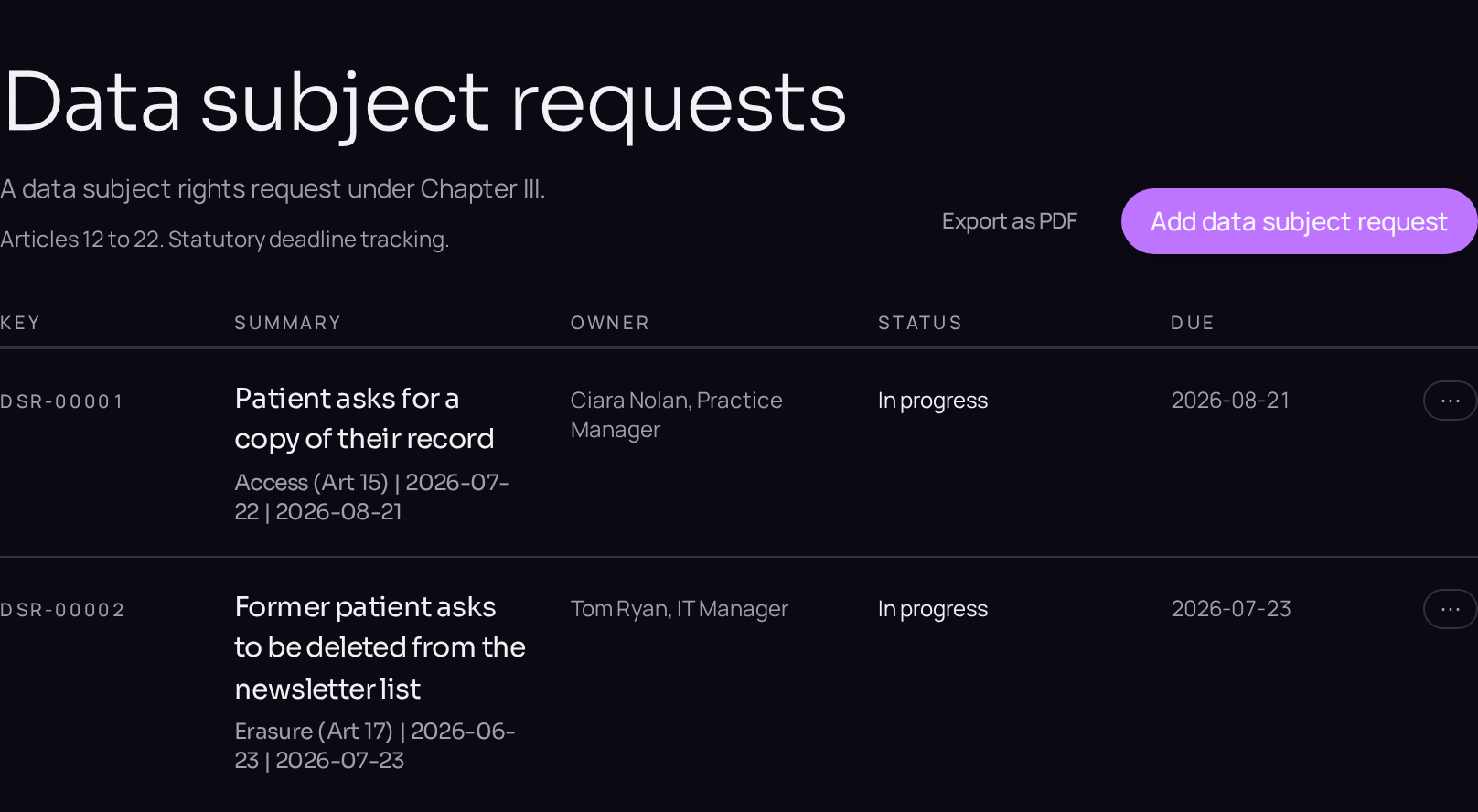
Requests sit under Operations, alongside the other matters that carry a deadline.
- 01Log the requestClick Data subject requests in the left menu, press the plus button and choose Data subject request. On Details set Request type and Channel received through, and on Lifecycle set Received at; the statutory clock starts from that date.
- 02Verify identityOn the Details tab fill in Identity verification, and on Lifecycle fill in Extension reason and Extended deadline if Article 12(3) applies.
- 03Find the dataClick the linked records panel, then Link an existing processing activity and Link an existing data subject set for everything the request touches, so the search is evidenced.
- 04Respond and closeFill in Response summary and Response authorised by, attach the evidence under Files and links, then select Closed on the lifecycle bar and click Record as closed.