Steps
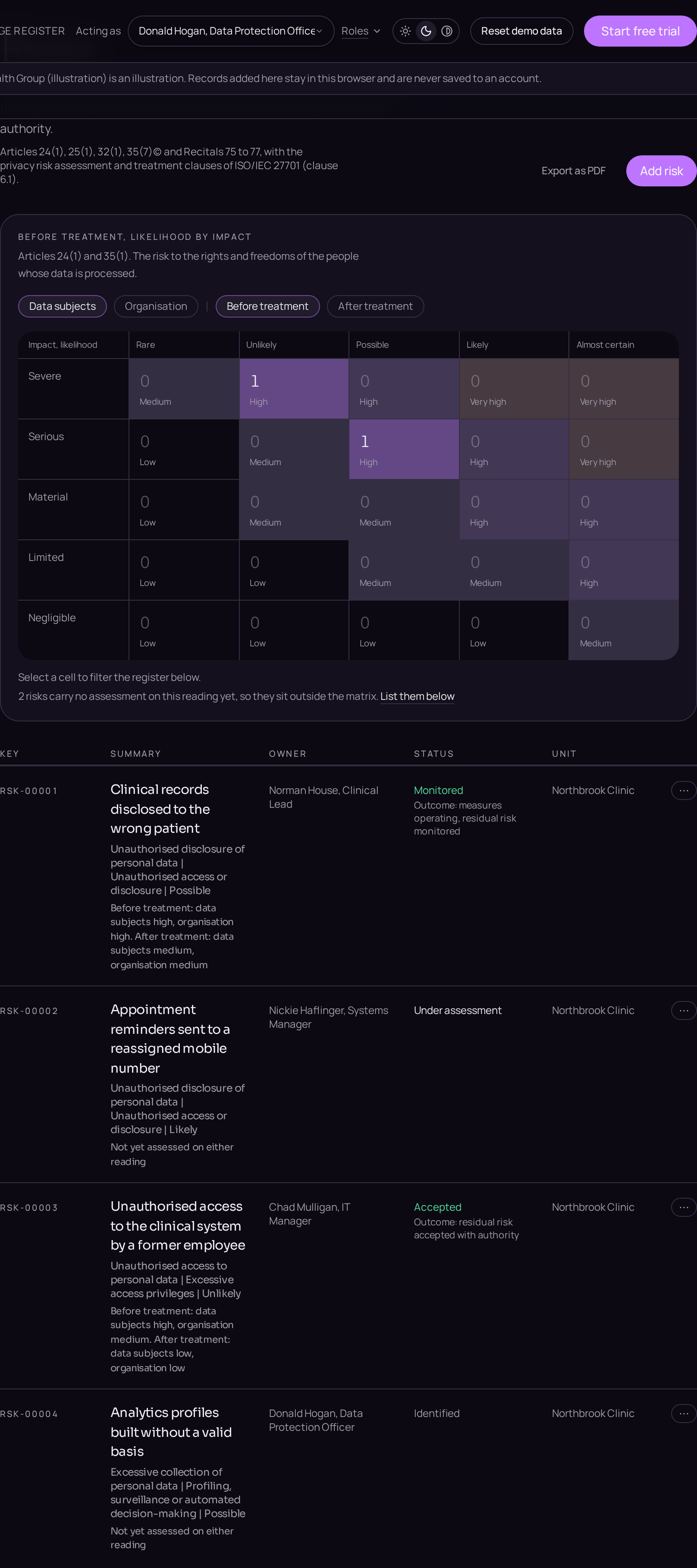
Risk and security holds the risks and the measures. The wording follows ISO/IEC 27005 and clause 6.1 of ISO/IEC 27701:2025, so treatment is stated as an outcome rather than a stage number.
A risk is one record from identification to closure. It is never split into a copy for the assessment and another for the treatment, so the register always answers with a single reading.
- 01Identify the riskClick Risk and security in the left menu, press the plus button and choose Risk. On the Details tab fill in Contributing condition or weakness, Risk event and Risk scope, and Where this risk came from, so the chain of reasoning stays traceable.
- 02Assess it on both consequencesOn the Assessment tab, set Inherent likelihood once, then set Inherent impact on data subjects under Articles 24(1) and 35(1), and separately Inherent impact on the organisation. The two are never averaged. Both ratings are derived on a five by five scale and cannot be typed in.
- 03Name the owner and the approverOn the Accountability tab, choose Owner and Approver from the people in the workspace. A risk carried without an owner, or accepted without an approver, is raised as a gap.
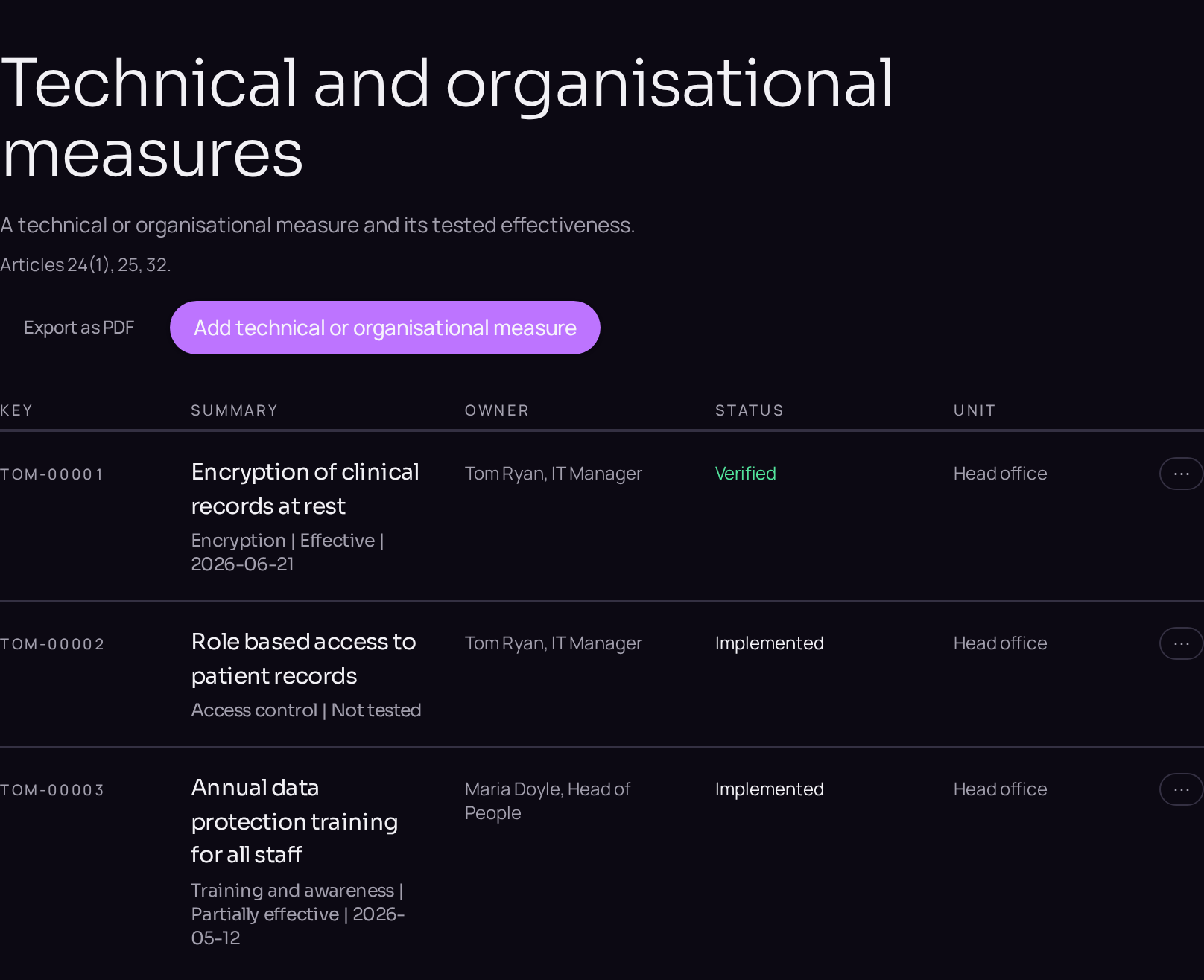
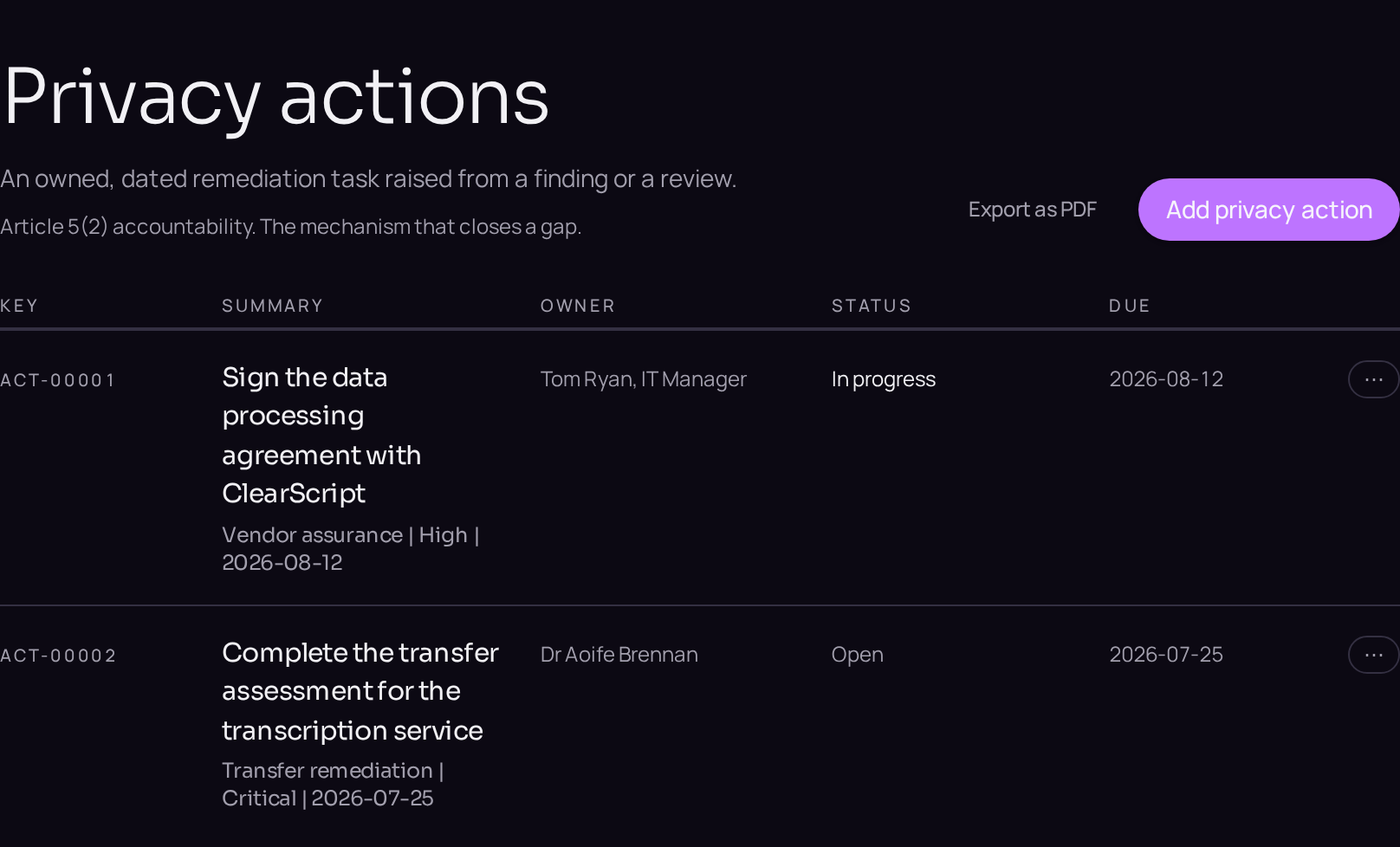
- 04Choose the treatment and link the measuresOn the Assessment tab, set Treatment strategy and Reasons for the treatment decision, then click Link an existing technical or organisational measure to attach a measure, or New record to raise a privacy action where the measure does not exist yet.
- 05Rate what remains, then monitor or acceptOnce the measures operate, set the residual likelihood and both residual consequences on the Assessment tab, with Evidence of effectiveness. Select Monitored or Accepted on the lifecycle bar and click Record as monitored or Record as accepted; a residual high risk to data subjects requires prior consultation under Article 36.