Risk and controls
Perform and approve an impact assessment
Describe the processing, assess necessity and proportionality, identify risks to individuals, define measures, and block activation while unacceptable residual high risk remains.
A university rolling out facial recognition for exam invigilation needs an assessment that goes beyond a checklist: a description of the processing, a necessity and proportionality test, the risks to the students affected, and measures matched one to one against those risks.
The assessment wizard walks through each stage in order, description, necessity, risk and treatment, so nothing is skipped, and each risk identified has to leave the treatment stage with an owner, a deadline and a residual rating.
The proof is that an unacceptable residual high risk keeps the activity out of use, and that every approved version of the assessment is retained and can be produced individually if challenged later.
- Regulation
- Article 35
- Registers
- DPIA · Processing activity · Risk · Measure · Privacy action
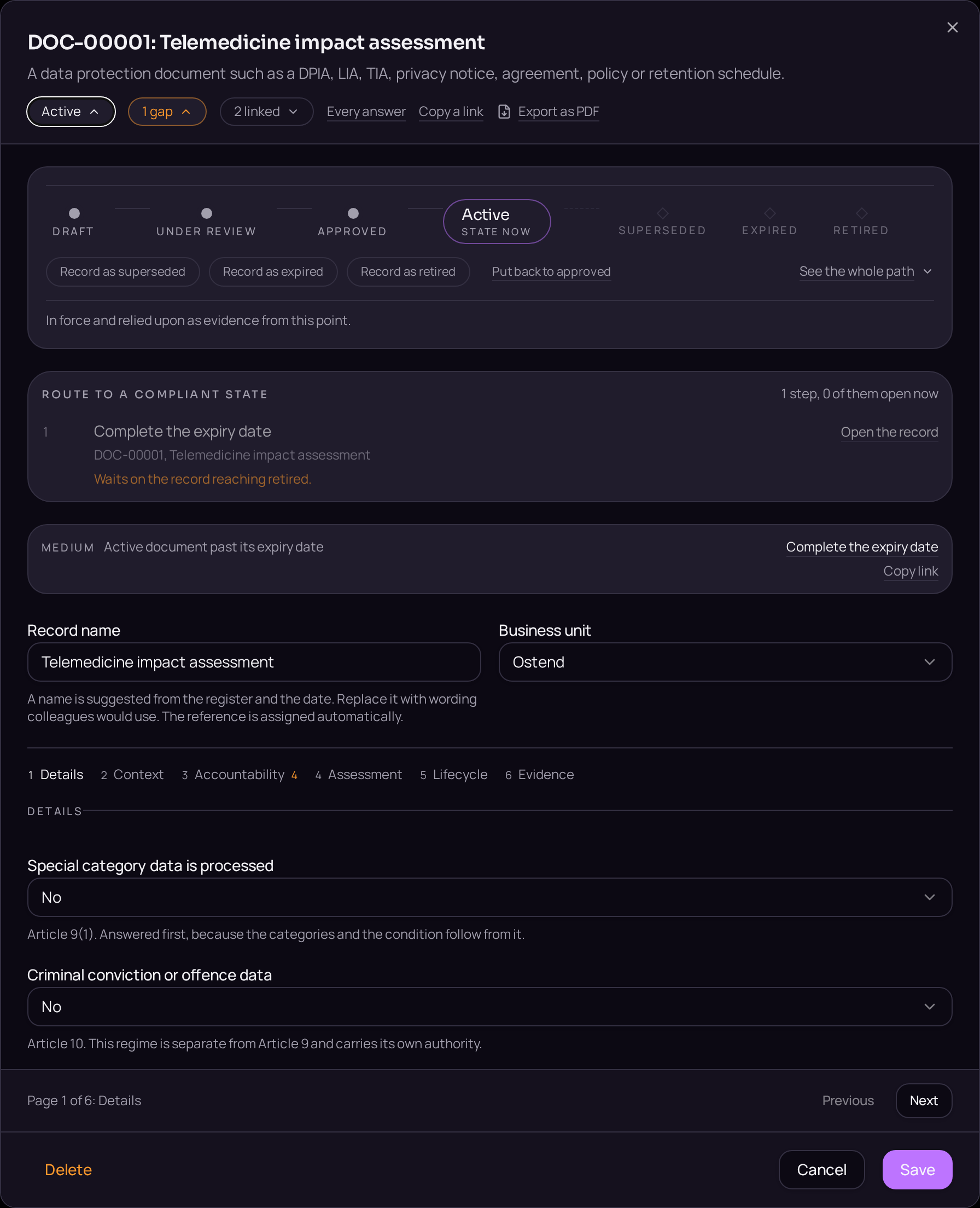
The steps
- 01From the linked activity's Assessment tab, select "Start assessment" to open the assessment wizard.
- 02Complete the description stage, stating the nature, scope, context and purpose of the processing.
- 03Complete the necessity and proportionality stage.
- 04Complete the risk stage, identifying each risk to individuals.
- 05Complete the treatment stage, matching each risk to measures with an owner, a deadline and a residual rating.
- 06Record the reasoned conclusion in the field provided.
- 07Move the assessment from Draft to Approved on the lifecycle bar, naming the approver.
- 08Export the approved version from the Evidence tab and confirm it is retained on its own.
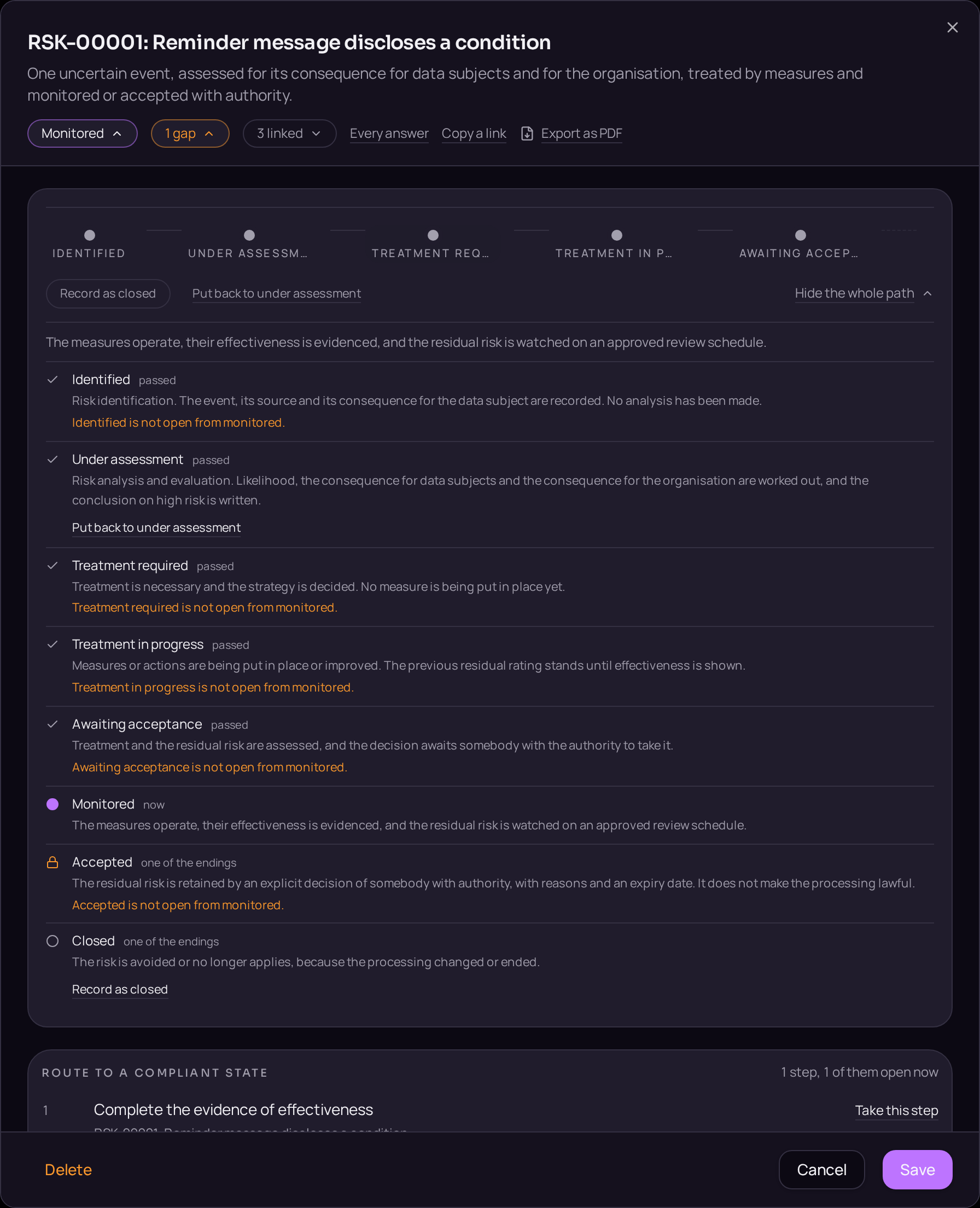
Accepted when
- A conclusion without a date is reported as an error, not a warning.
- Approved versions are retained and can be exported one by one.
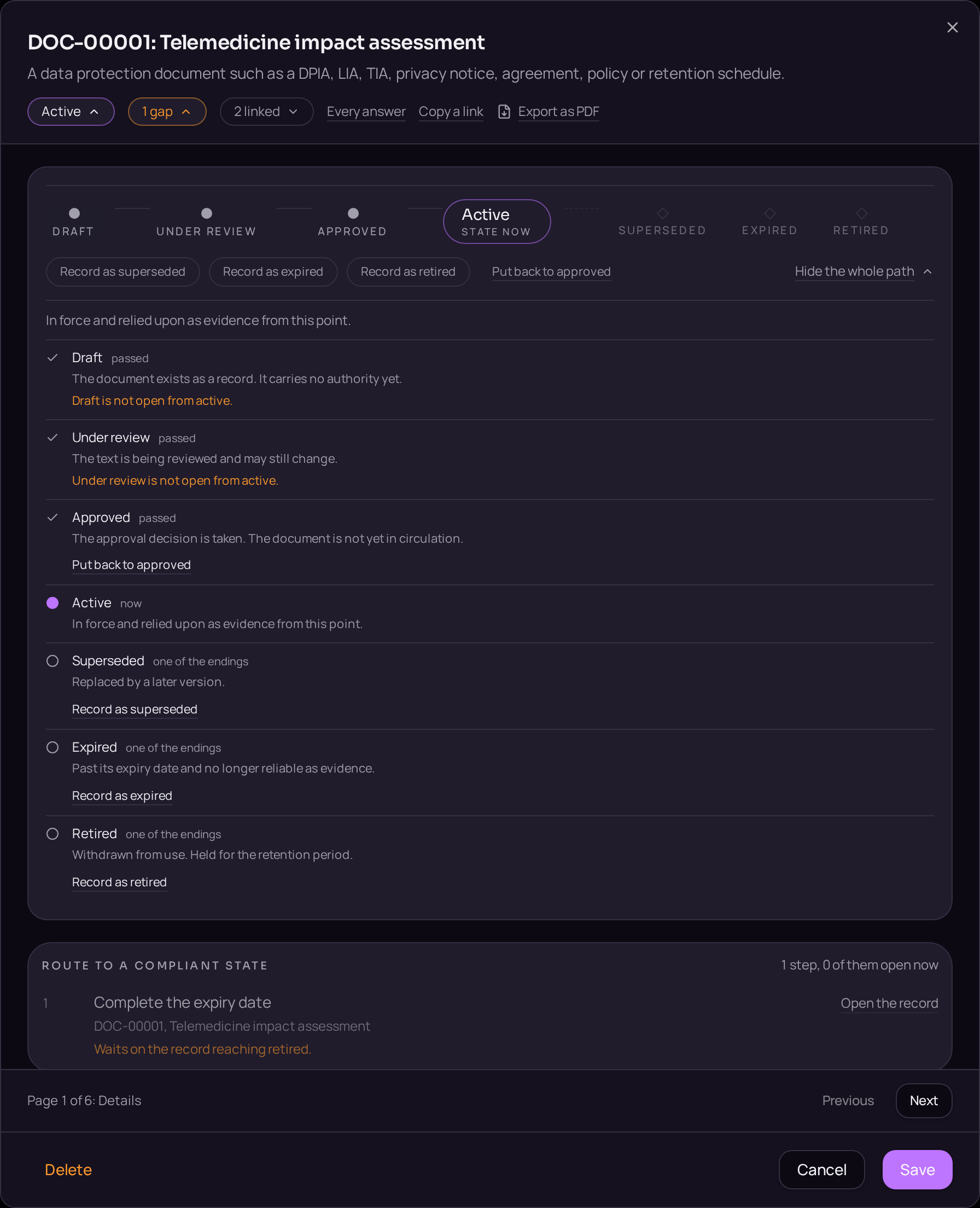
Documents that carry the evidence
- DPIA · Data protection impact assessment
- The description, the necessity and proportionality test, the risks to individuals and the measures adopted. Article 35.
These templates are issued when the register opens, so the document exists before the record that cites it.