Lawfulness and transparency
Establish and record valid consent
Define what consent covers, how it was presented, who gave it, when, and how the evidence is retained, tied to the exact purpose and the version of the information shown.
A fitness app asking users to opt into location tracking has to be able to show, months later, exactly what was said on screen when a user agreed. Consent that cannot be traced to the wording and the notice version in force at the time is not evidence of anything.
The consent record exists to carry that specificity: the purpose it covers, the words shown, the notice version, and the moment of collection, tied to the data subject set and the activity it authorises.
This proves that a request from an individual asking what they agreed to can be answered from the record alone, without asking engineering to reconstruct the screen from that date.
- Regulation
- Articles 6(1)(a), 7 and 8
- Registers
- Consent record · Processing activity · Privacy notice · Data subject set
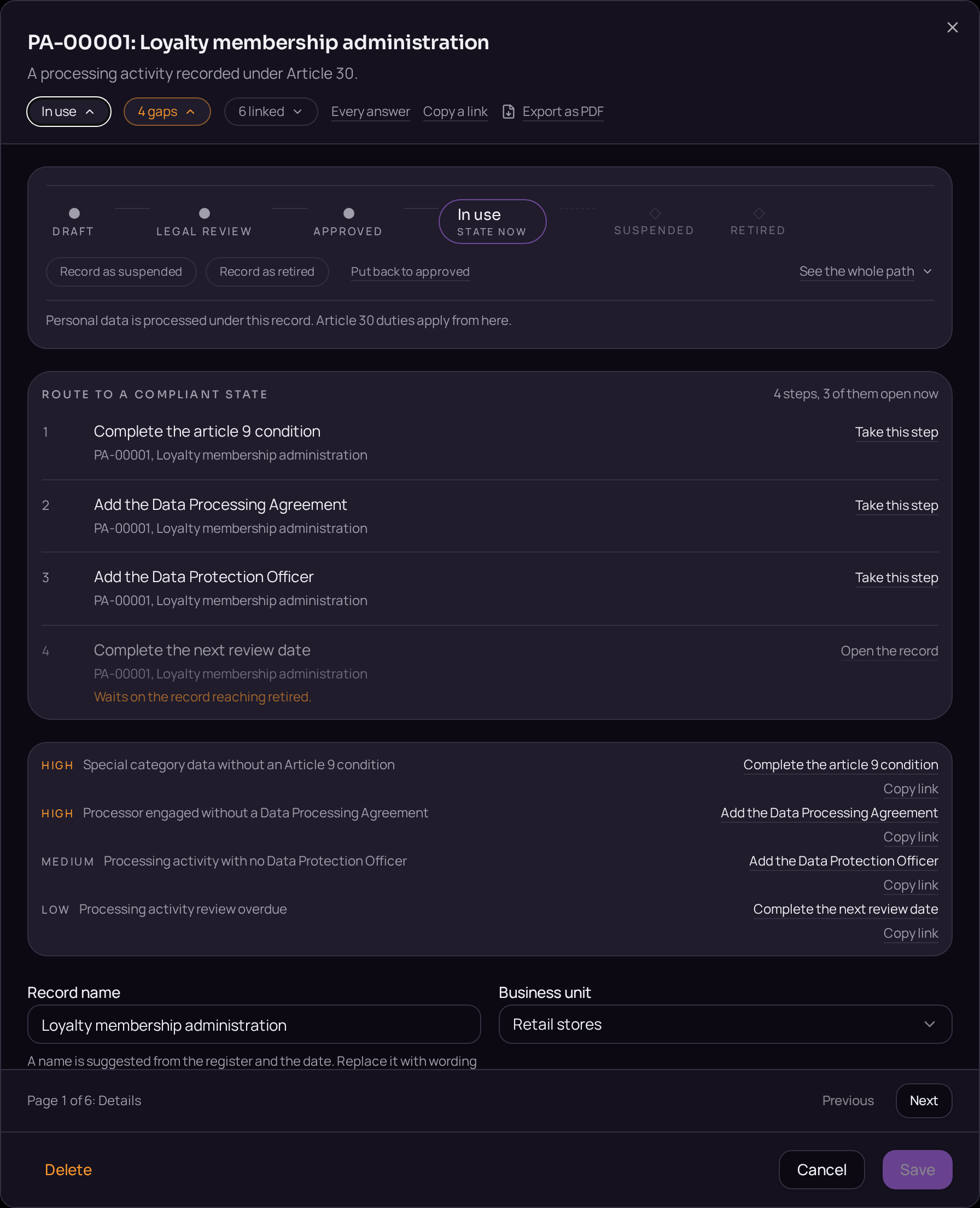
The steps
- 01Open the Consent records register and use the plus button beside the register title to create a record.
- 02State the purpose it covers on the Details tab.
- 03Record the wording shown, the version of the notice and the moment of collection in the fields provided.
- 04Open the Linked records band and use "Link a record" to attach the processing activity it authorises.
- 05Use "Link a record" again to attach the data subject set it applies to.
- 06Move the record from Draft to Active on the lifecycle bar.
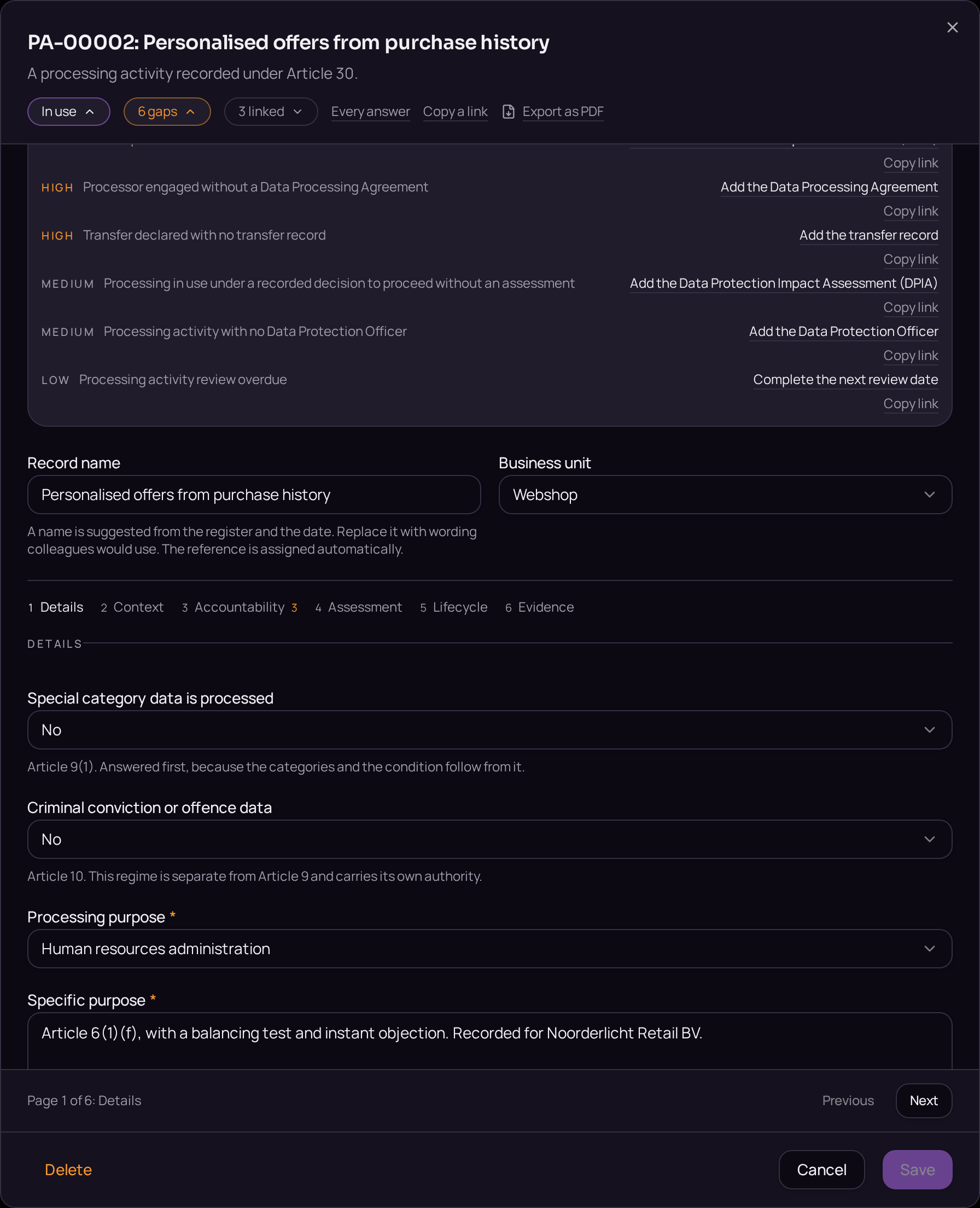
Accepted when
- Consent is readable back to the exact wording shown at the time.
- A consent record with no notice version is reported as a gap.
