Risk and controls
Define and link technical and organisational measures
Create reusable measures and link them to activities, systems, suppliers, risks and assessments, showing whether each is implemented, verified and current.
Encryption at rest, access reviews and a staff training programme are measures a manufacturing firm might rely on across a dozen activities. Recording each one once, with an owner and a verification date, avoids the same control being described a dozen different ways in a dozen different records.
This is exercised as a foundational register: measures are created ahead of the activities and assessments that need them, then linked wherever they apply.
The proof is that a measure whose verification date has lapsed is reported, and that a risk cannot be closed as treated while it has no measure attached.
- Regulation
- Articles 24, 25 and 32
- Registers
- Measure · Processing activity · System or asset · Risk · Entity
The steps
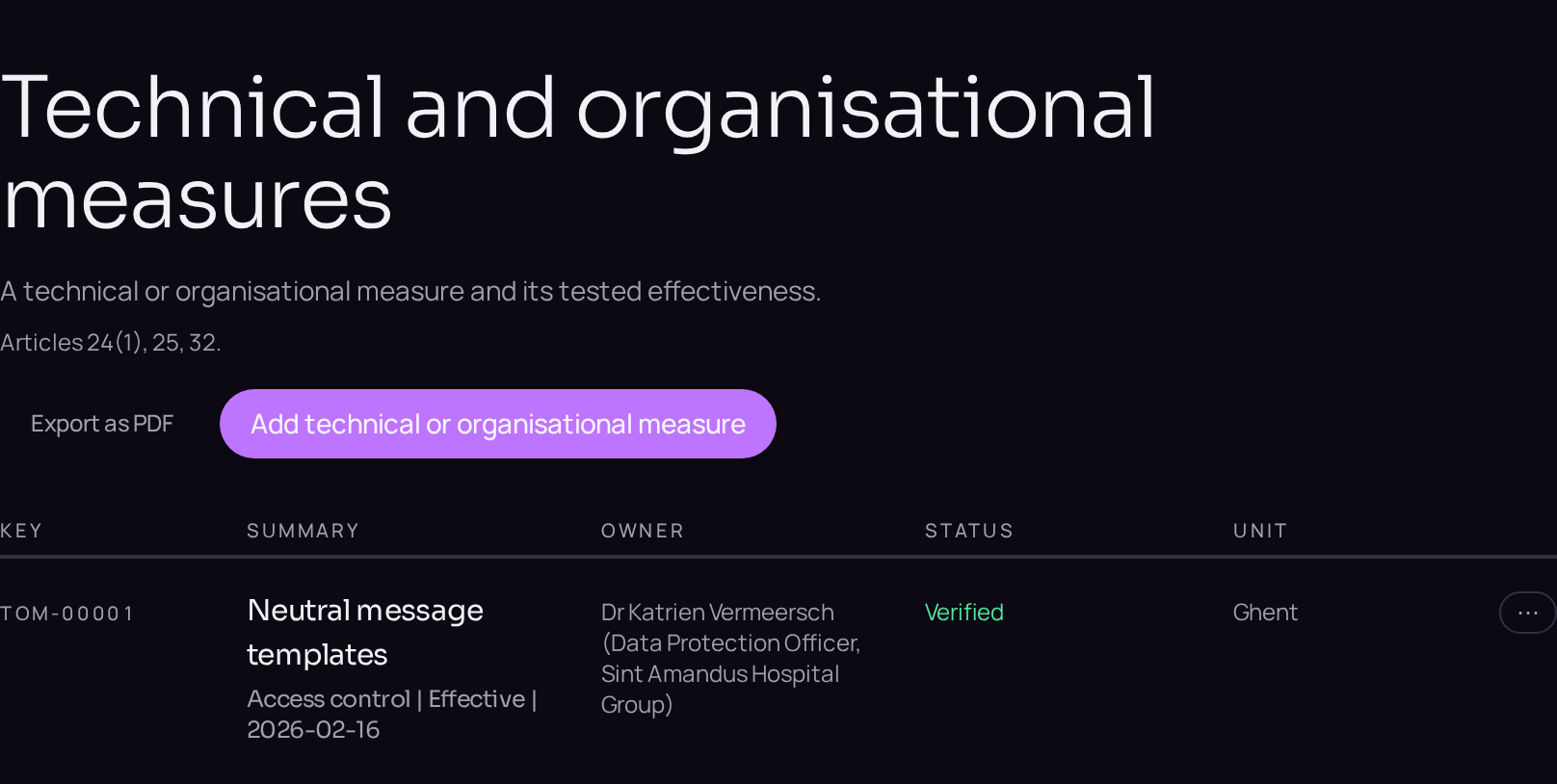
- 01Open the register of technical and organisational measures and use the plus button beside the register title to create the measure.
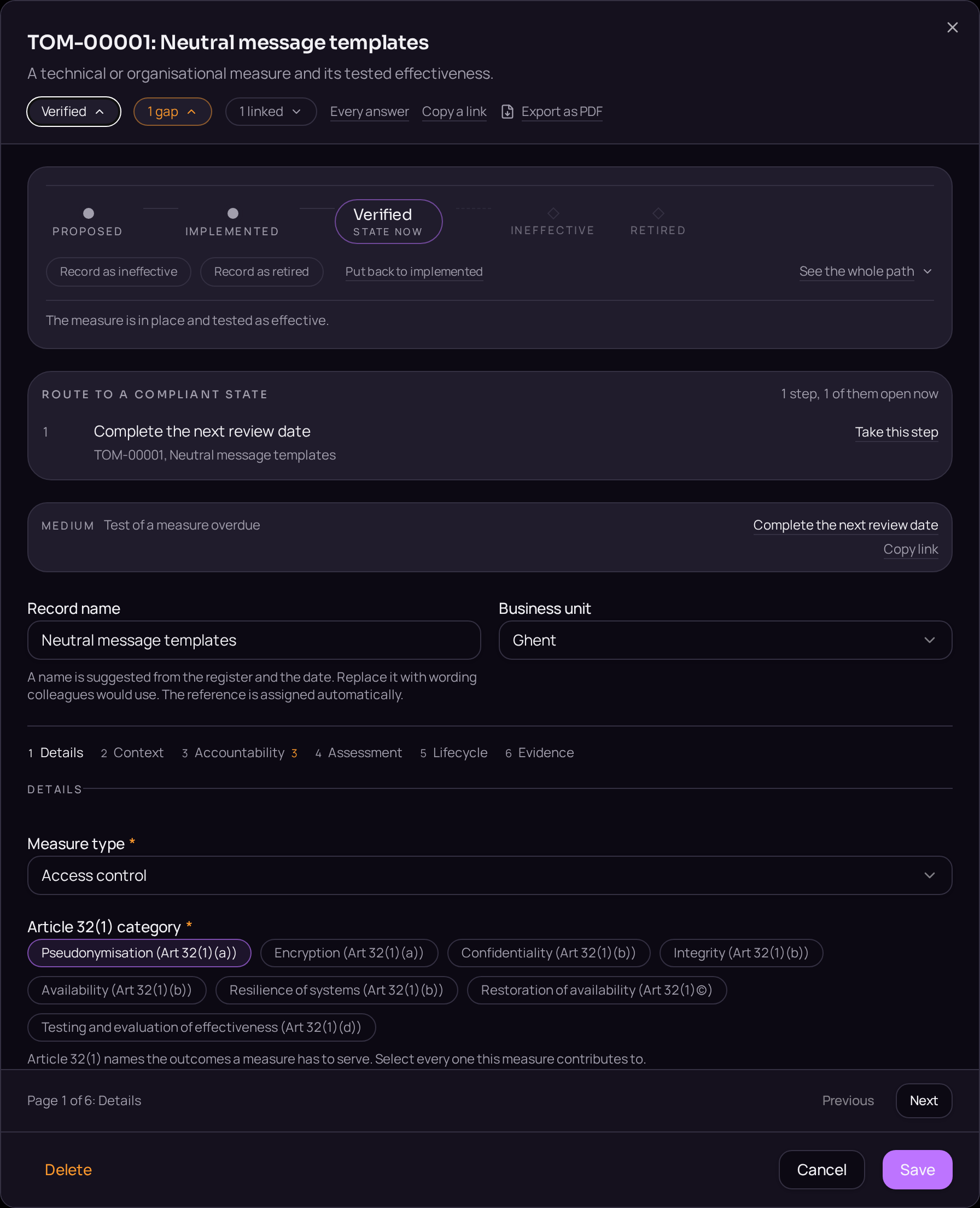
- 02State the control, the owner and the verification date on the Details tab.
- 03Open the Linked records band and use "Link a record" to attach the risks it reduces.
- 04Use "Link a record" again to attach the activities or systems it protects.
- 05Move the measure from Draft to Implemented on the lifecycle bar once it is in force.
- 06Return on the verification date and confirm or renew the date recorded.
Accepted when
- A measure past its verification date is reported.
- A risk with no measure cannot be closed as treated.
