Operational suites
Data subject rights suite
Intake, identity verification, scope, deadline and extension, search, assessment, decision, response, refusal, restriction, rectification, erasure, objection, portability, notification of recipients and closure.
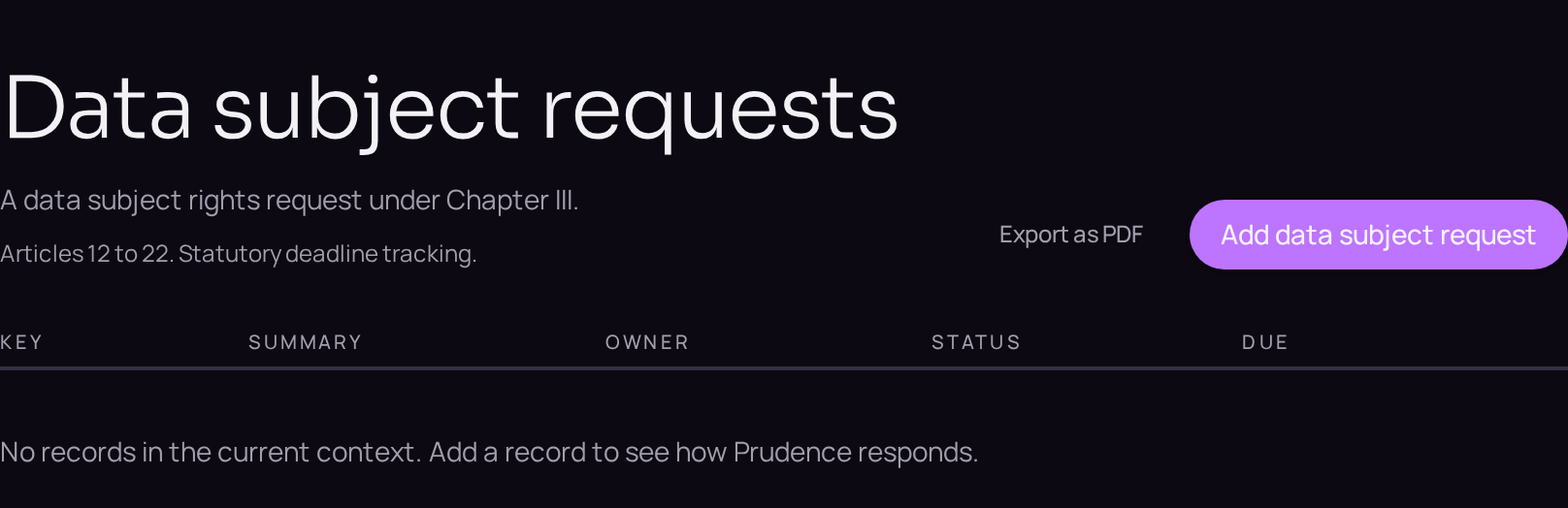
A subject access request arriving by email at a retail bank has to be recognised, logged and clocked from the moment it is received, not from the moment someone gets around to reading it. The requests register exists so the statutory deadline is visible on the row, not buried in an inbox.
Working the request through Prudence means moving it through identity verification, scoping the activities and systems that hold the person's data, deciding the response, and, where rectification or erasure is granted, notifying every recipient the data was shared with.
The proof is that the clock is visible throughout, that an extension always states its reason, and that a refusal is never silent, whether in part or in full.
- Regulation
- Articles 12 and 15 to 22
- Registers
- Data subject request · Privacy action · Processing activity · System or asset · Consent record
The steps
- 01Open the Data subject requests register and use the plus button beside the register title to record the request.
- 02On the Details tab, name the right claimed and the date it was received; the statutory clock starts immediately and appears on the register row.
- 03Record the means used to verify identity on the Accountability tab.
- 04Open the Linked records band and use "Link a record" to attach the activities and the systems in scope.
- 05Where more time is needed, use the extension field and state the reason.
- 06Record the decision and, where rectification or erasure is granted, use the Linked records band to identify every recipient to notify.
- 07Draft and send the response, attaching it to the Evidence tab.
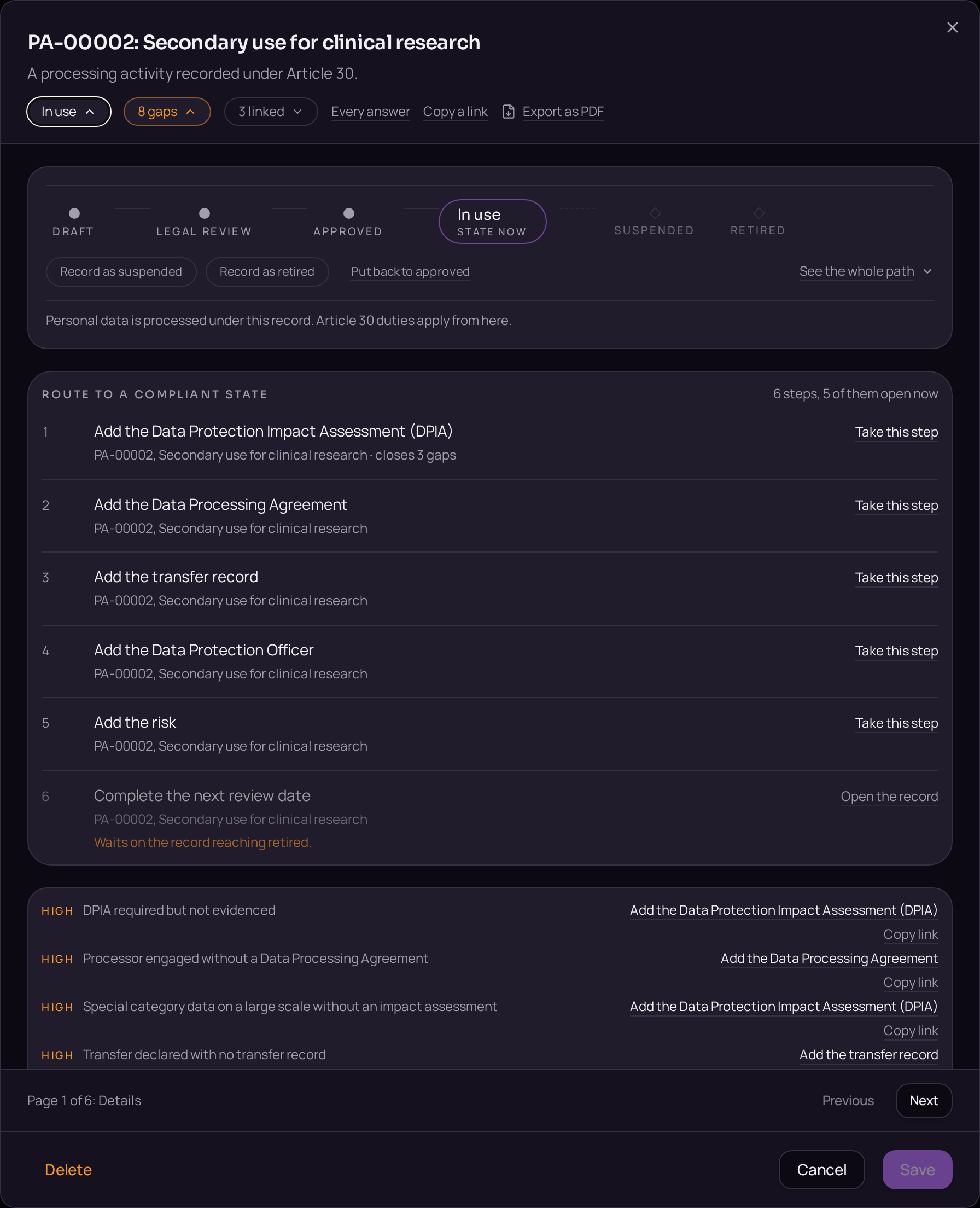
- 08Move the request from Open to Closed on the lifecycle bar, stating the reason where the request was refused in part.
Accepted when
- The statutory clock starts on receipt and is visible on the register row.
- An extension has to state its reason.
- Recipients are notified where rectification or erasure applies, or the impossibility is recorded.


Documents that carry the evidence
- DSR · Data subject request procedure
- Intake, verification, search, decision and response templates for each right. Articles 12 and 15 to 22.
These templates are issued when the register opens, so the document exists before the record that cites it.