Lawfulness and transparency
Create or update a privacy notice
Produce the transparency information for one or more activities, covering the collection context, purposes, bases, recipients, transfers, retention and rights.
A single privacy notice on a company website often has to speak for several processing activities at once: account creation, billing and marketing, each with its own basis and its own recipients. The notice has to be assembled from what the activities actually state, not drafted separately and hoped to match.
This is exercised whenever an activity in use has no notice covering it, or when a covered activity changes materially and the notice falls out of date.
The proof is that every activity in use is covered by a notice, and that a change to a covered activity raises a review of the notice rather than leaving it stale.
- Regulation
- Articles 12 to 14
- Registers
- Document · Processing activity · Entity · Retention schedule · Transfer record
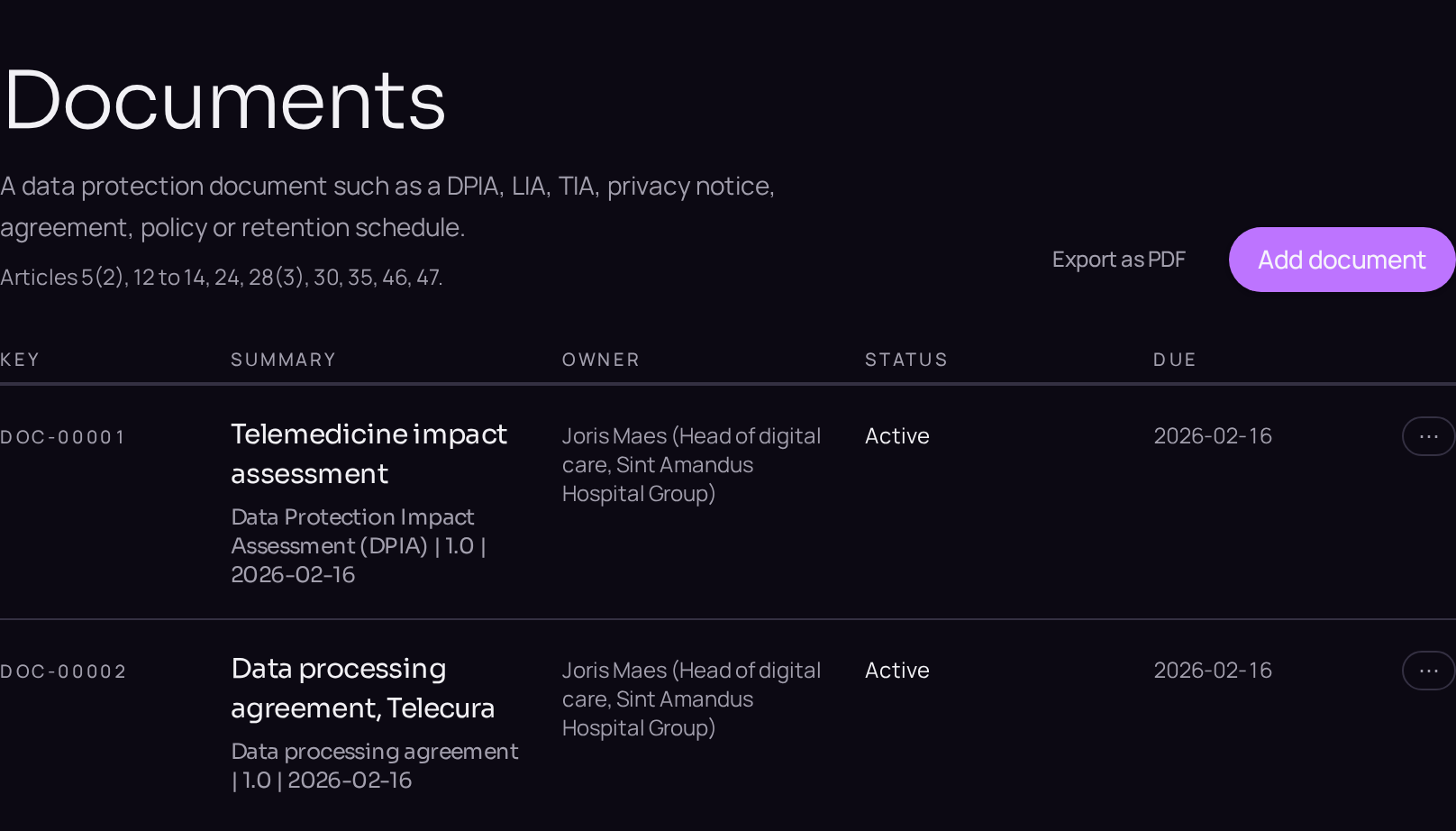
The steps
- 01Open the Documents register and use the plus button beside the register title to create a document of the privacy notice type.
- 02Open the Linked records band and use "Link a record" to attach every activity the notice covers.
- 03Complete the Details tab with the collection context, the purposes, the bases and the recipients drawn from the linked activities.
- 04State the version and the date it was published in the fields provided.
- 05Move the document from Draft to Published on the lifecycle bar.
- 06Confirm on each linked activity's Evidence tab that the notice now appears.
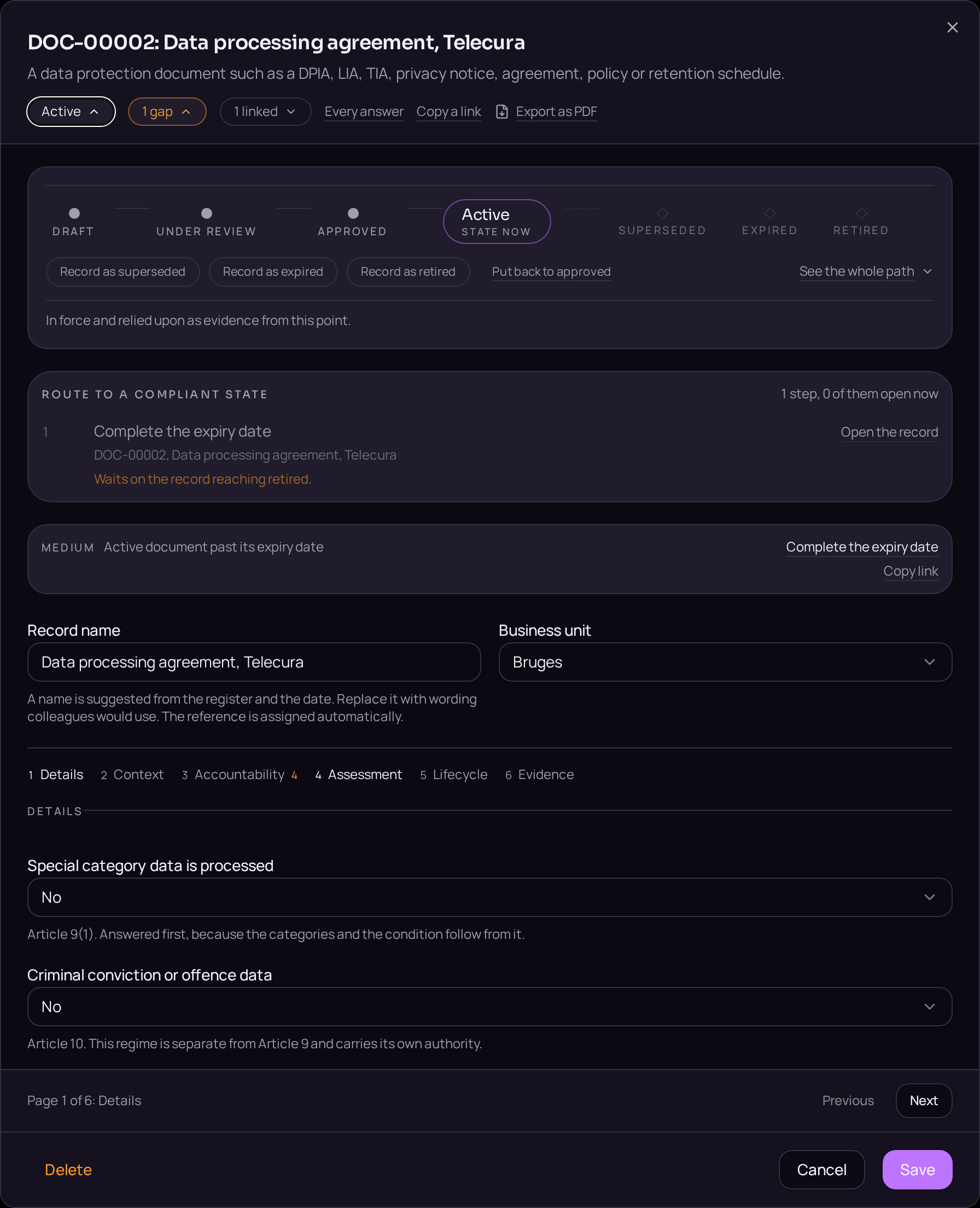
Accepted when
- An activity in use with no notice is reported as a gap.
- A change to a covered activity raises a review of the notice.