Governance and inventory
Create a processing activity
Characterise one processing operation by purpose, lawful basis, data subjects, personal data, systems, recipients, retention and transfers, and validate it before approval.
A new customer support chatbot at a subscription software company needs an entry in the record of processing before it goes live. That entry starts as a single processing activity record, built up page by page until every duty the Regulation imposes has an answer against it.
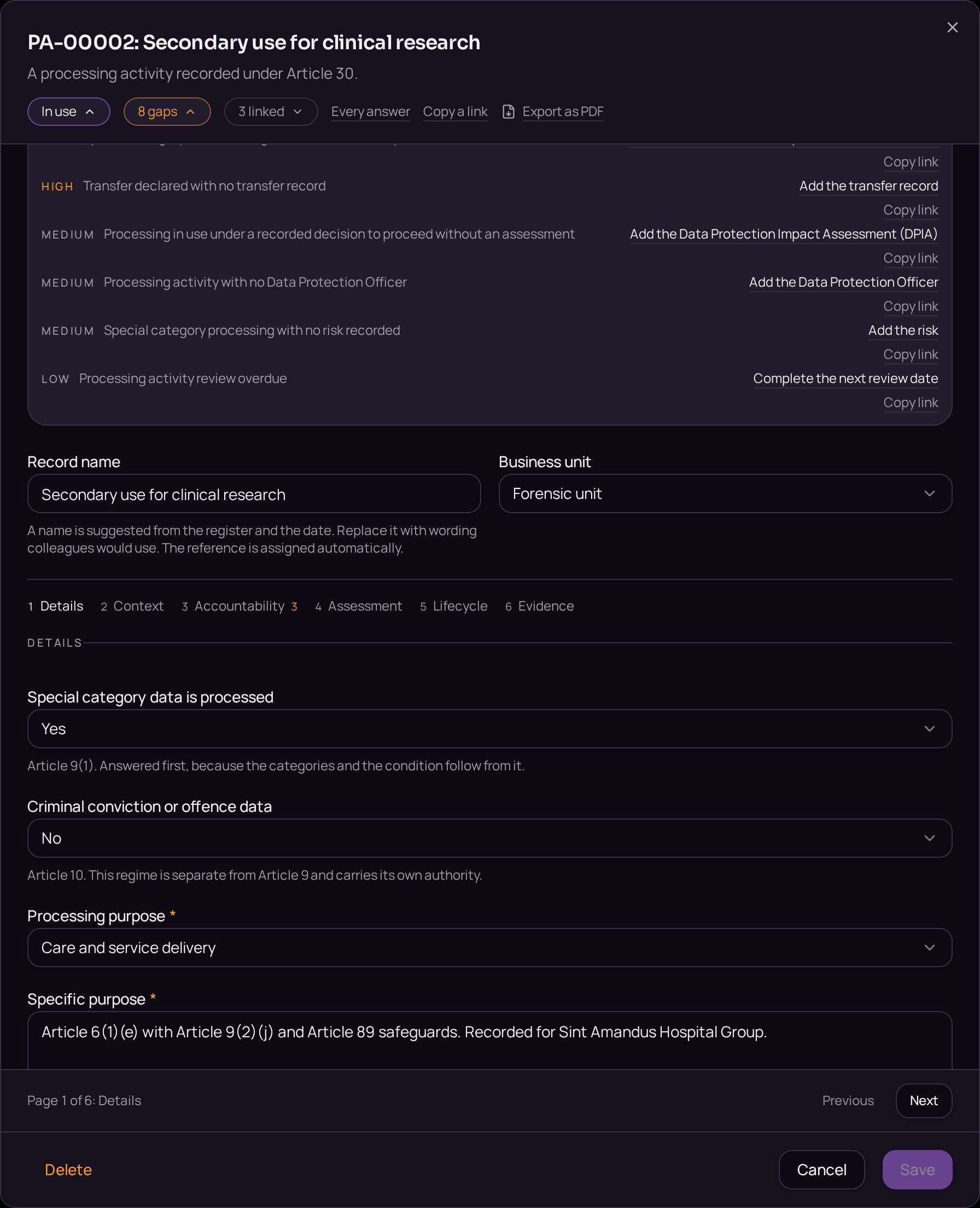
The record is not written in prose. It is a set of pages, Details, Context, Accountability, Assessment, Lifecycle and Evidence, each holding the exact answers a supervisory authority would ask for, and each showing how many of those answers are still owed.
This proves that a compliant activity can only be approved once every required page is complete, not once someone believes it to be.
- Regulation
- Articles 5, 6 and 30
- Registers
- Processing activity · Data subject set · Entity · Retention schedule
The steps
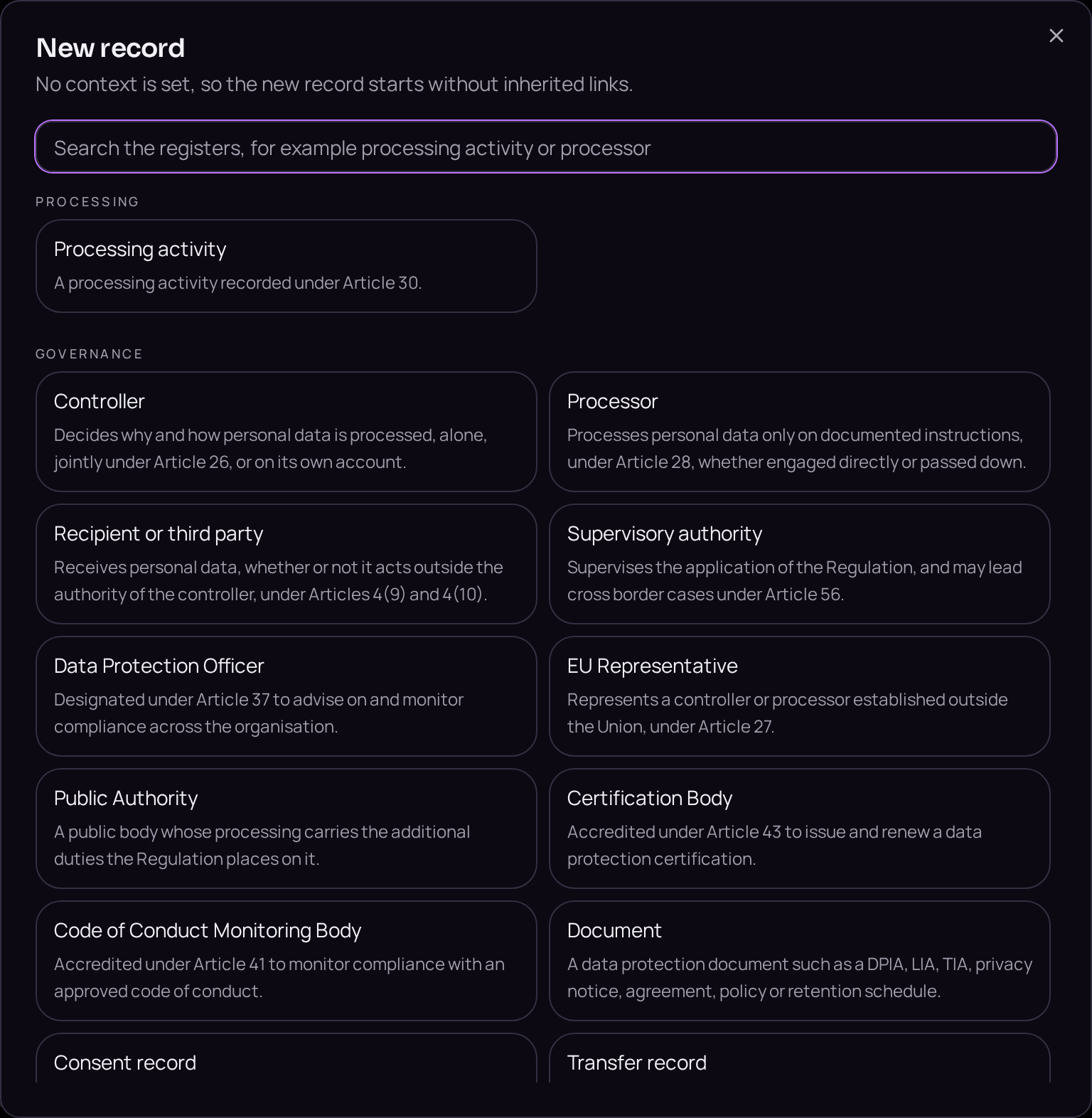
- 01Open the Processing activities register and use the plus button beside the register title to start a new activity.
- 02Name the activity and answer the special category question first on the Details tab, since the categories and the condition offered depend on it.
- 03Complete the remaining fields on the Details tab: purpose, lawful basis, data subjects and categories of personal data.
- 04Move to the Context tab and link the controller, the processors and the systems that hold the data.
- 05Move to the Accountability tab and name the owner and the approver.
- 06Move to the Assessment tab and answer the screening questions it presents.
- 07Move to the Evidence tab and attach anything already held, such as a legitimate interests assessment.
- 08Open the lifecycle bar and move the record from Draft to Legal review.
Accepted when
- A required answer left blank blocks the step and states which page holds it.
- The route to a compliant state lists every outstanding item in order.
